

Every room heard. Every word searchable.
TEXL Sentinel turns microphones and camera audio into live transcripts, searchable recordings and keyword alerts. It runs the speech and translation models you choose, and connects to the security platform you already operate.

He drove off in a white pickup before the lights came on.
Interview Room 2 · 12 Nov · 21:14:07
Illustration: a grid of six live room transcripts, a search result that plays the recording from the matching sentence, and a live transcript with a translated line and a keyword alert.
Illustrative screens. Rooms, speakers and conversations are made up.
Live view
Transcripts appear as people speak, for one room or nine at once, with keyword hits highlighted in the line.
Recording
Audio from every channel is captured for as long as the channel runs, by timetable or around the clock.
Archive
Recordings and time-stamped transcripts are stored together and indexed, so any word can be found by room and date.
Playback
Open any line and hear that exact moment, with a waveform to scrub and the transcript following the audio.
Sentinel is the system around the model. The speech and translation engines are yours to choose. How that works ->
From the spoken word to the evidence
Listen live, get alerted, search the archive and play back the exact moment. One browser-based console covers the whole path, with nothing to install on an operator's machine.
One screen for every room
Watch up to nine live transcripts side by side. Each line appears as it is spoken, and a watch-list word is highlighted the moment it is said.
- The spoken words stay as the record, with a translation under each line
- Follows speakers who switch languages mid-sentence, when the engine you chose does
- A chrome-free transcript view for a wall screen or another system's window
Illustrative screen. Rooms, speakers and conversations are made up.
We don't sell the model. You choose it.
Speech and translation models keep improving, and the best one depends on your languages, your budget and where your data is allowed to go. Sentinel is the live view, recording, archive and playback around the model, so that choice stays yours and can change.
Diagram: audio from room microphones, camera streams and network audio enters TEXL Sentinel. Inside Sentinel, the speech engine and the translation engine are slots filled by the models you choose. Sentinel provides capture, recording, live view, archive, search, playback, keyword alerts and reports, and passes results to operators, to your security platform and to reports.
A model for each channel
Engines are chosen per channel, not per site. Put a bilingual model on the interview rooms and a general one on the front counter, on the same system.
Change engines, keep the archive
Switch a running channel to another model and it carries on within seconds. Recordings, transcripts, the watch list and every alert stay exactly where they were.
Your account, your keys
Engines run under your own provider accounts. Keys are saved on the server, never sent back to the browser, and shown only as their last four characters.
You set the confidence bar
Words the engine is unsure of can be left out of the live feed, the archive and keyword matching, with one slider.
A new engine is an adapter
Sentinel runs several live and batch engines today. The one you have standardised on, cloud or self-hosted, is connected through the same adapter as part of deployment.
Fits beside the security platform you already run
Video management, access control and unified security platforms already show operators what is happening. Sentinel adds what is being said, without replacing a system or adding a second screen to watch.

Illustration of the idea, not a screenshot of any product: a Sentinel live transcript docked as a web tile in a generic security workspace, with a keyword alert listed among the platform's own events. Camera views are stock photos.
The illustration shows four camera tiles. The selected tile, an interview room, sends its audio to Sentinel. Beside the tiles a Sentinel panel shows the live transcript of that room with a translated line. In the event list below, a keyword alert from TEXL Sentinel appears above a door event and a motion event, with a button to open the video.
Audio comes from what is installed
Sentinel takes the audio track of a camera or encoder stream your video system already carries, or a room microphone.
The transcript sits beside the video
Operators read what is being said in a tile next to the picture, in the workspace they already use.
A spoken word becomes an event
A watch-list hit arrives with its room, its time and its context, ready for your alarm list and procedures.
One click back to the moment
Every line is time-stamped, so an alert leads to the same second of video in your system and of audio in Sentinel.
Open ways in and out
- RTSP and RTP audio from cameras and encoders
- REST API for channels, watch list, alerts and health
- WebSocket feed of live transcript lines
- Stand-alone live transcript page for a web tile
- Excel and PDF reports
The connector to your system
- Alerts raised as native events and alarms
- Bookmarks on your video timeline at each alert
- Operator sign-in and permissions from your platform
- A packaged tile or plug-in for your operator client
Every platform exposes events, bookmarks and sign-in differently, so this part is built with the platform's own SDK and its team.
Give your cameras a transcript
Your platform already manages the cameras, the operators and the incident. Sentinel adds transcription, translation, search and keyword alerting on the audio, without you having to build a recording pipeline or commit your customers to one speech model. We work with your engineering team on the connector.
Talk to us about integration ->On your network, built to run unattended
Sentinel is installed on a server you control, next to the systems it works with. Recordings and transcripts stay in your own storage, and the engine you choose decides whether audio ever leaves the building.
The archive is yours
In an on-site deployment, audio is written to your own disk and transcripts to your own database. Retention, backup and access follow the rules you already apply to recorded evidence.
The engine decides where audio travels
A cloud engine receives the audio it transcribes, under your own contract with that provider. A model hosted inside your network keeps it on site. Everything Sentinel does around the engine is the same either way.
Audio and transcript together
Each line points to its place in the recording, so the original sound is always one click from the text.
A standard database
Transcripts are stored in PostgreSQL with full-text search, which your team already knows how to back up and retain.
Engine keys kept on the server
Keys for your speech engines are saved server-side and never sent back to a browser once entered.
The spoken words stay as the record
A translation is shown beside the original line and never replaces it.
Alerts wait for a reviewer
Every alert stays marked as needing review until someone has looked at it, and the daily report counts what is outstanding.
A browser is all an operator needs
The console is web-based. Nothing is installed on operator workstations or on the wall display.
Channels recover on their own
If a camera feed or an engine connection drops, Sentinel reconnects and carries on without anyone restarting it.
Health for every channel
Each channel reports whether it is transcribing, connecting, reconnecting or stalled, in the console and over the API.
Comes back after a restart
The channel list is kept across a restart, so the system returns with every room it had.
Recording by timetable
Schedules start and stop channels, so a room is recorded only in the hours you decide.
For every room where what was said matters
Sentinel is made for places where speech has to be followed as it happens and found again later, in whichever languages people use.

Interview rooms
A live transcript for the officers watching, a translation for those who do not share the language, and a searchable record once the interview is over.
- Live transcript
- Translation
- Archive search

Custody suites and holding cells
Welfare words such as doctor or ambulance raise an alert at the custody desk, together with the sentence they came from.
- Keyword alerts
- Floor view
- Daily report
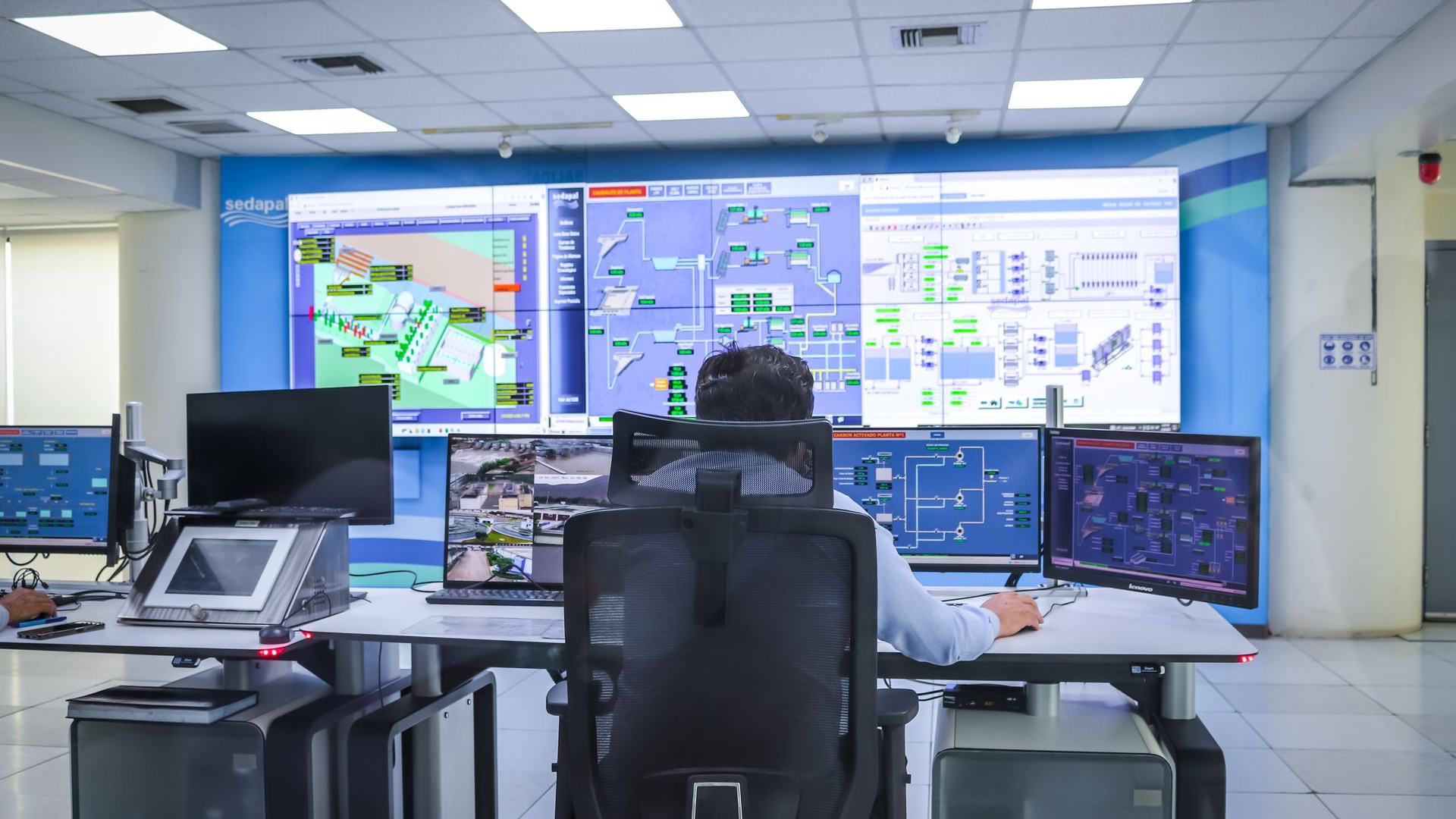
Control rooms
Audio from across a site on one grid or floor plan, beside the video wall, so operators know which room to look at first.
- Live grid
- Floor view
- Security platform

Transport hubs
Counters, help points and gates produce audio nobody has time to replay. Sentinel indexes it, so an incident can be found by what was said.
- Camera audio
- Archive search
- Playback

Broadcast and media monitoring
Follow several live channels at once, be alerted when a name or a topic is mentioned, and go straight to that moment of the recording.
- Live streams
- Keyword alerts
- Multilingual
Corporate and critical sites
Reception desks, security counters and intercoms become a record that can be searched after an incident, from the security platform already in place.
- Existing microphones
- Search
- Security platform
Recording and transcribing speech is governed by local law. Each deployment is scoped with the operator's own legal and data-protection requirements.
Hear it on your own audio
Point Sentinel at one of your rooms or camera streams and watch the transcript arrive. Bring your platform team, and we will walk through how it connects to the systems you run.